Readdown
A clean, fast Markdown reader for macOS
A lightweight native macOS app for reading Markdown files - nothing more, nothing less. Double-click any .md file and get beautiful, GitHub-style rendering without the overhead of a code editor.
Situation
Every developer has Markdown files scattered across their machine - READMEs, notes, documentation, meeting agendas. On macOS, double-clicking one opens Xcode, VS Code, or TextEdit. Heavy tools for a simple read.
Task
Build a native macOS Markdown reader that opens instantly, renders beautifully, and stays out of the way. No editing, no clutter, no telemetry.
Action
I designed and built Readdown with Swift and SwiftUI, using Claude Code as a pair-programming partner.
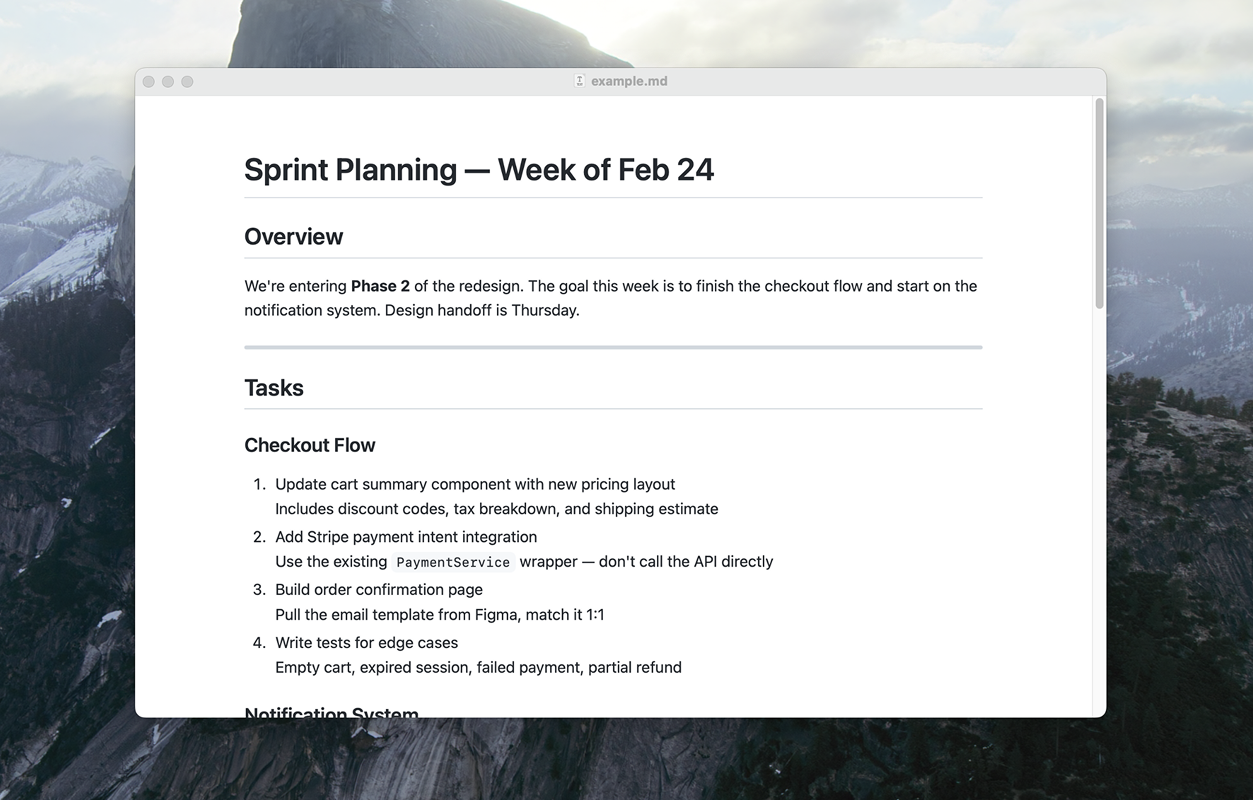
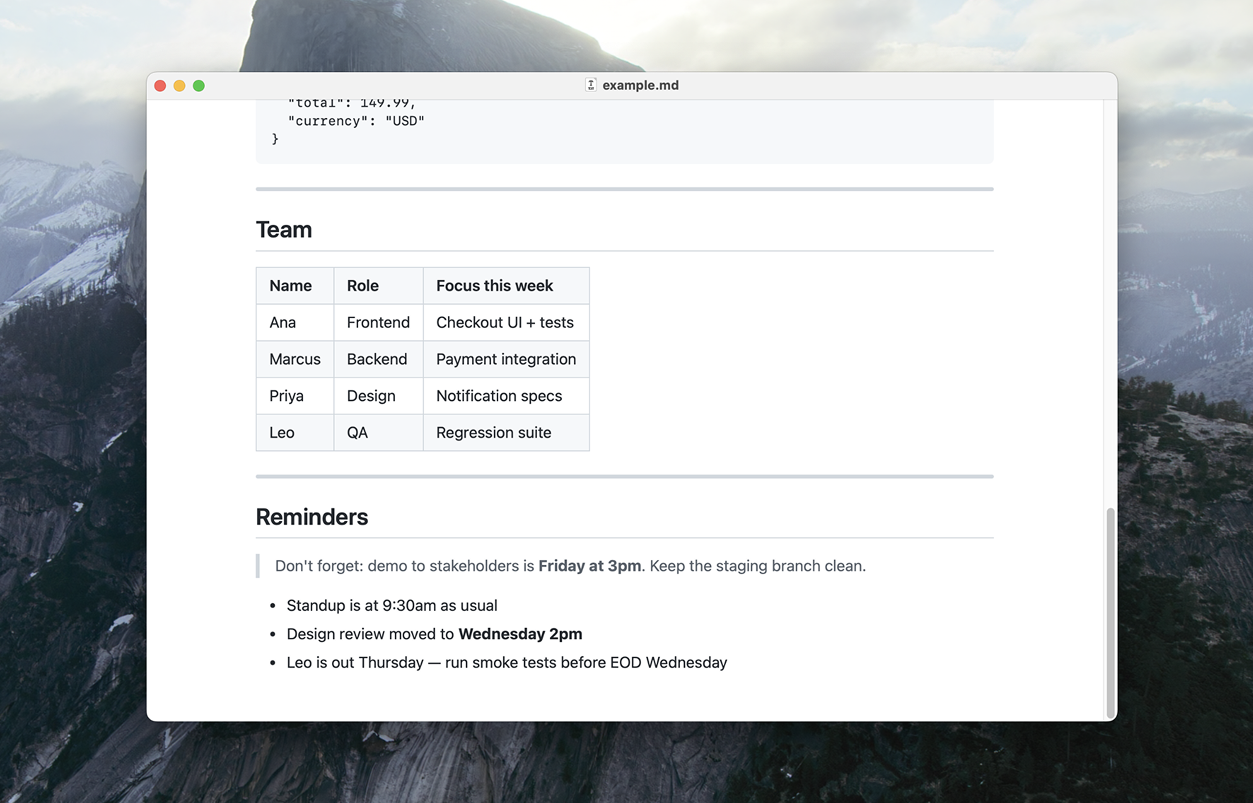
Readdown rendering a Markdown document with headings, lists, tables, and formatted text
Instant Open
Double-click any .md file and it opens immediately. No project loading, no workspace setup.
GitHub-Style Rendering Headings, lists, tables, code blocks, task lists - rendered the way you’d see them on GitHub.
Syntax Highlighting Code blocks with a language tag get grammar-based highlighting. Bare blocks are auto-detected from 19 common languages.
Mermaid Diagrams
Use mermaid as the language on a code block and it renders as a diagram - flowcharts, sequence diagrams, pie charts.
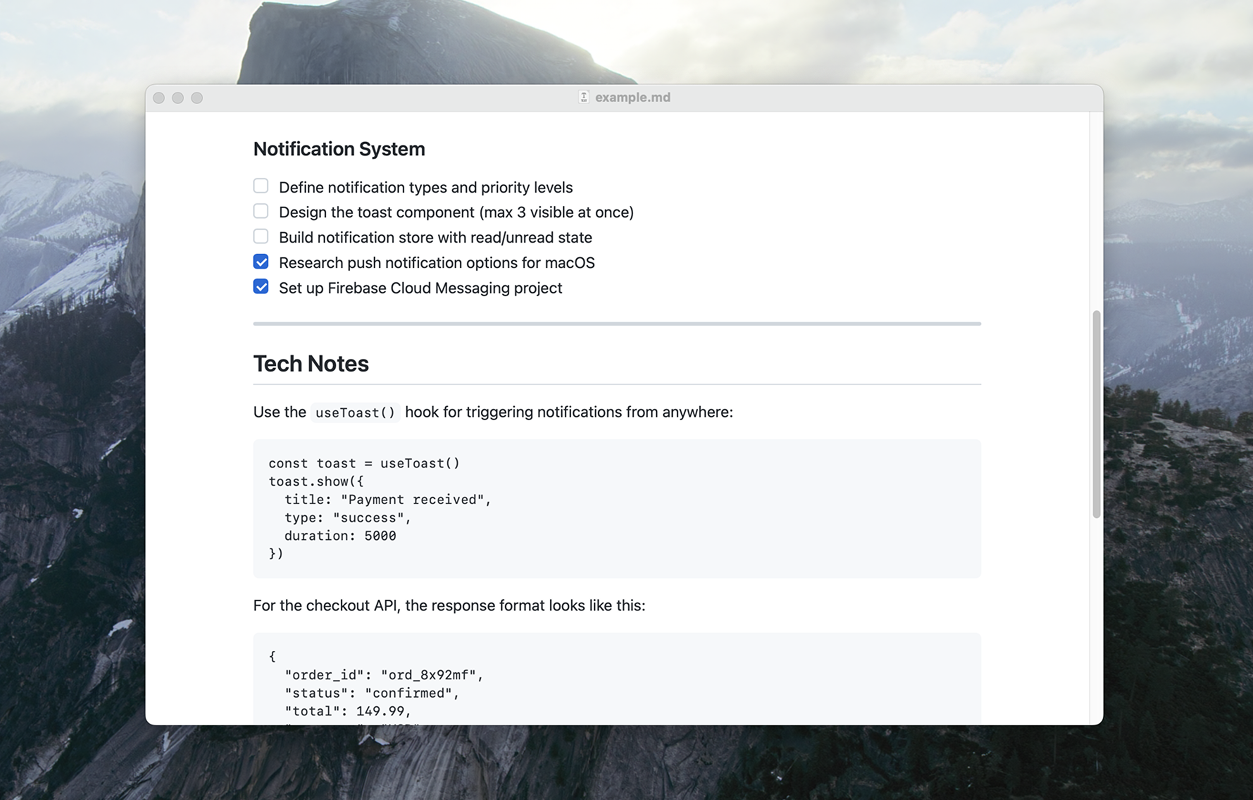
Code blocks and task lists rendered with familiar GitHub styling
Quick Look
Press spacebar on any .md in Finder and see it rendered right there.
Read-Only by Design Your files stay untouched. Readdown is a reader, not an editor.
Result
Readdown is live at heya.studio/readdown with the source on GitHub.
- Does one thing well
- Real users with automatic updates
- Active feedback via GitHub Issues
Built with Swift, SwiftUI, and WebKit. The kind of tool I wished existed, so I built it.